
SOLUTIONSDESIGNED AROUND YOUR APPLICATION
Care, connected.把照護需求,
From device to people.接成可用的系統。
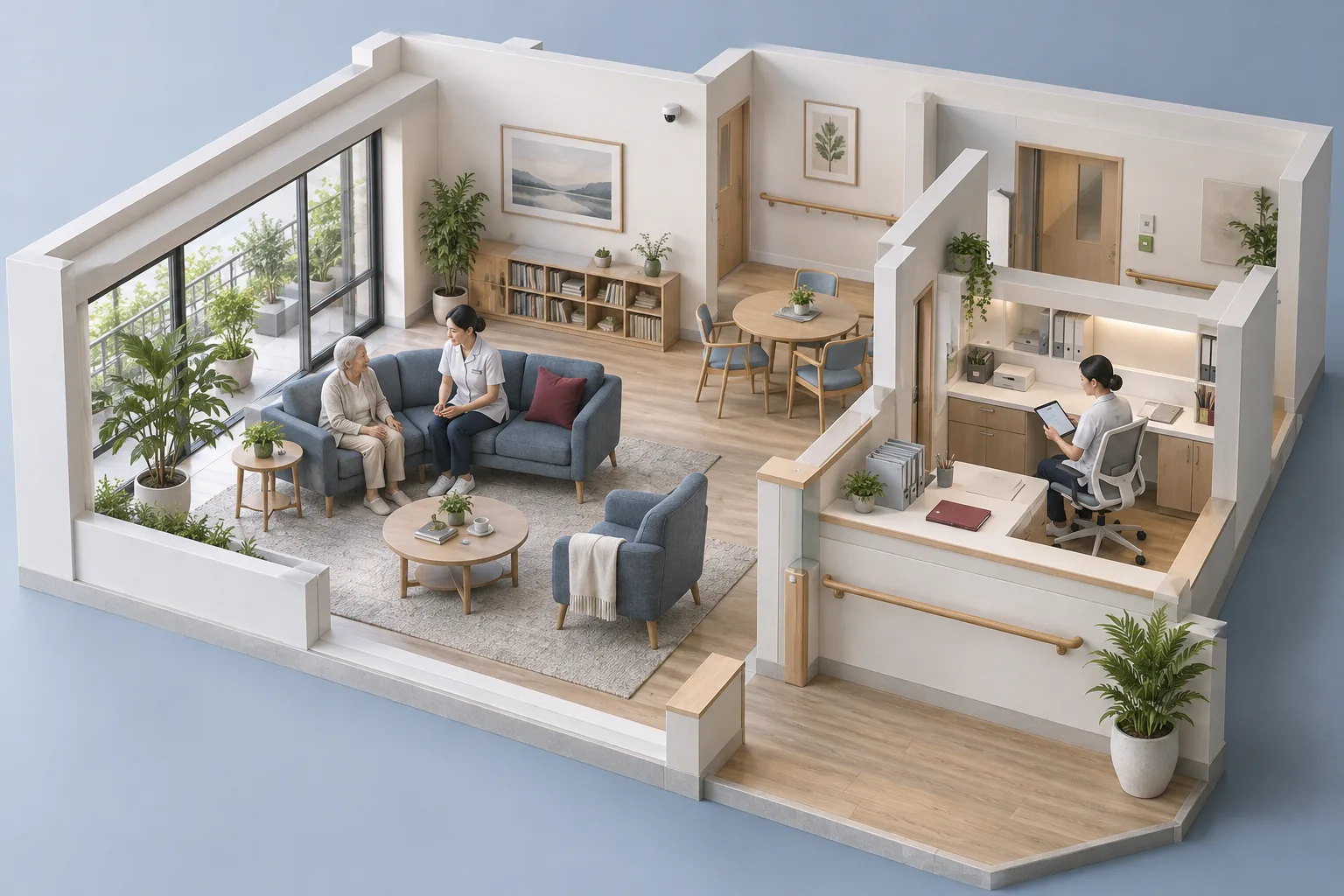
We bring embedded Audio AI, Vision AI and platform architecture together for elderly home care and long-term care settings. Your workflow guides the models, devices and connections we design.
01 / THE WHOLE SOLUTION01 / 完整方案
Start with the need.從需求開始,
Connect the right parts.串起對的環節。
A useful system begins with understanding what people need to notice, record and follow up on. We tailor the model, embedded device and platform connection around that purpose, from initial requirements through integration.
For home care, we discuss the living environment and the people involved in follow-up. For long-term care centers, we consider staff workflows, the site and existing systems. The scope is agreed for each project.
01 / LISTEN01 / 聽見
Audio AI音訊 AI 解決方案
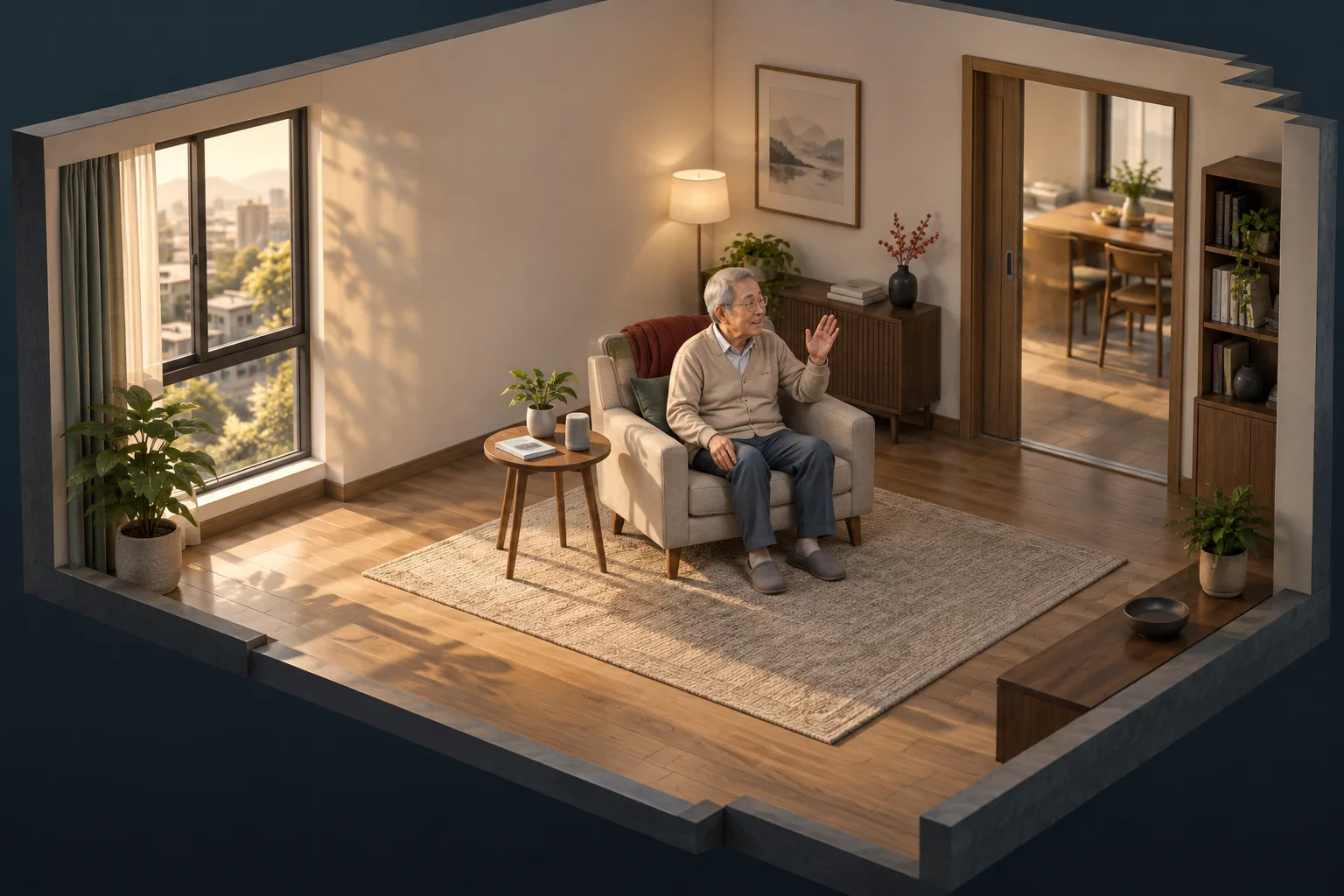
Explore the demonstration hardware查看技術展示設備
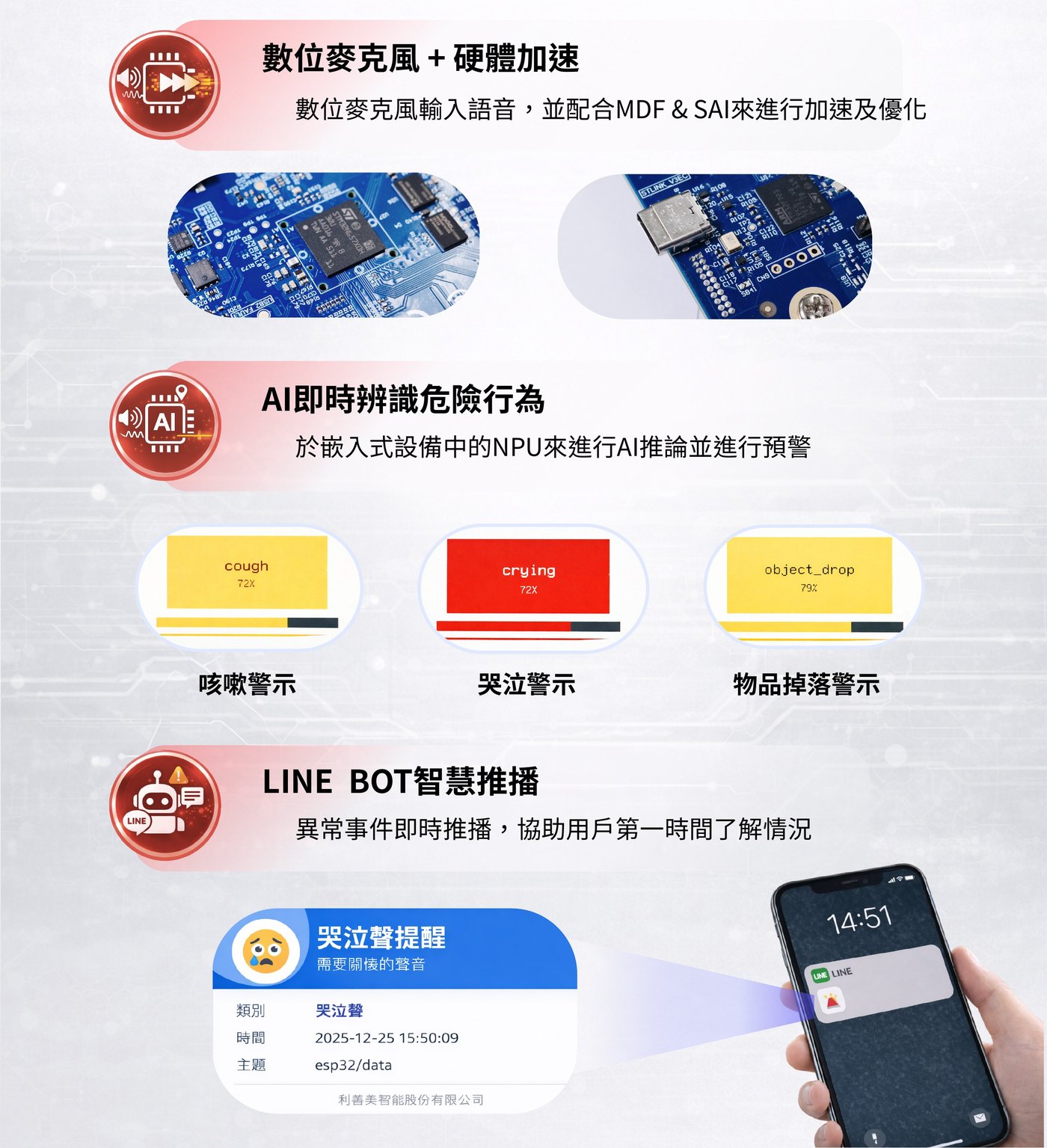
Equipment detail from an earlier demonstration. Device and model selection depend on the project.既有技術展示的設備局部。實際設備與模型依專案選用。
Give sound a defined role in your application.
We develop embedded audio AI solutions around the sound information relevant to your project. We define the task with you, then configure an appropriate model and device for local processing.
- Application definition and model configuration
- Audio input and embedded device integration
- Detected events connected to the platform
Planning for your setting導入前,一起確認
The target sounds, acoustic conditions and evaluation criteria are agreed before implementation. Capabilities depend on the selected model and device.
02 / UNDERSTAND02 / 看見
Vision AI影像 AI 解決方案

Explore the demonstration hardware查看技術展示設備
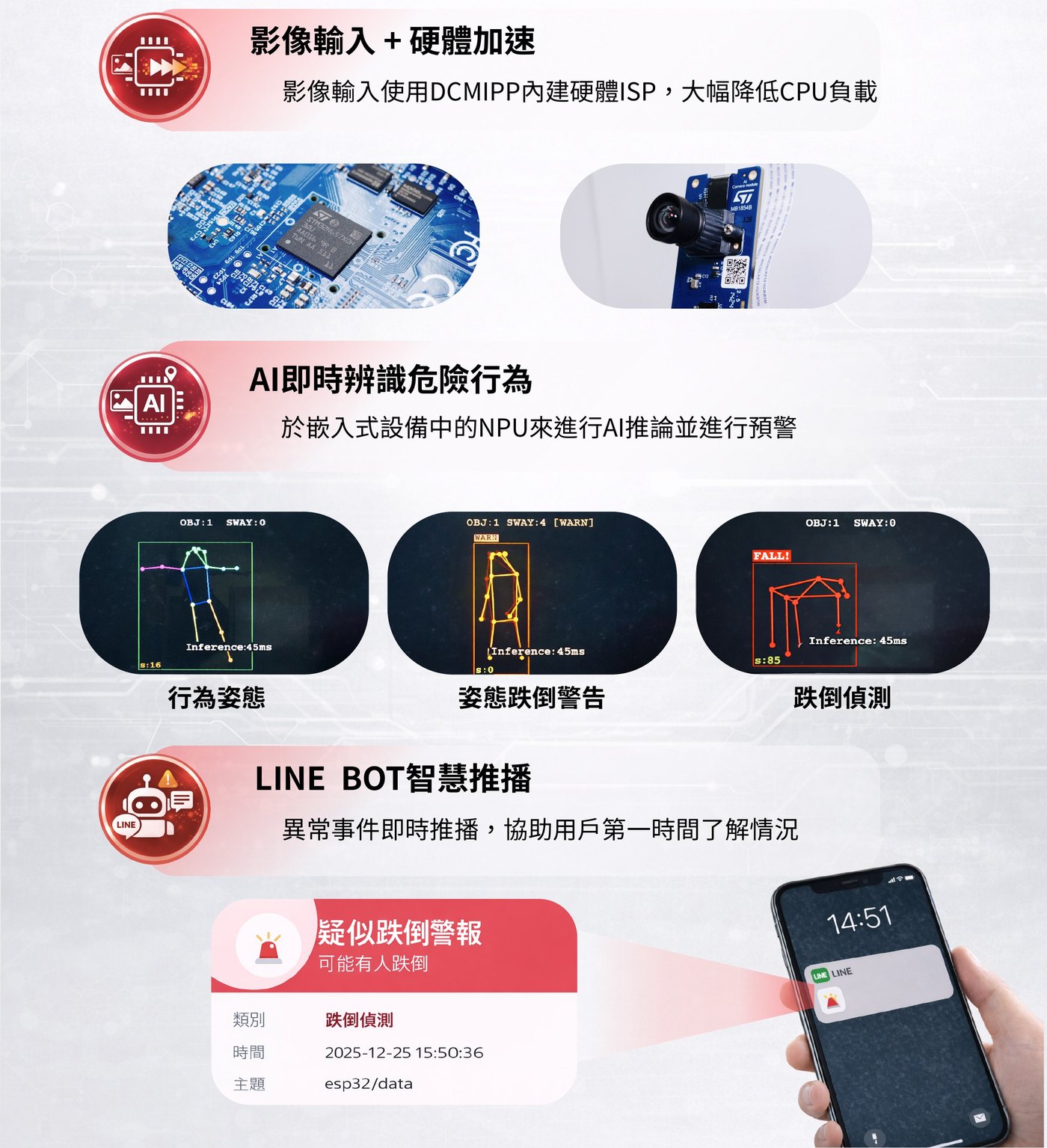
Equipment detail from an earlier demonstration. Device and model selection depend on the project.既有技術展示的設備局部。實際設備與模型依專案選用。
Interpret the situations that matter to your setting.
We tailor vision models and embedded devices to the application. Suitable AI inference runs on the device, and detected events can connect to records and follow-up workflows.
- Visual task and model configuration
- Device integration and placement review
- Event definitions for the receiving platform
Planning for your setting導入前,一起確認
The possible fall on our homepage is one illustration. Detection depends on the model, lighting, placement and what is visible; it is not a diagnosis or a guarantee that every event will be detected.
03 / CONNECT03 / 連結
Platform architecture平台架構設計
One event. A clear path forward.一筆事件,接上下一步。
- Receive接收Device event裝置事件
- Organize紀錄A clear next step清楚的待辦
- Follow up接手People in the loop人員確認處理
People confirm what happened and decide the next step.由人員確認狀況,決定下一步處理。
Illustrative workflow. Screens and notification channels are tailored to the project.流程與介面示意;實際畫面及通知管道依專案規劃。
Connect device events to the way your team works.
We design frontend and backend software, organize and process data, and connect event transport. The platform receives already-detected events and supports records, handling steps and notifications.
- Interfaces and backend services
- Data structures and event processing
- Project-specific system and notification integrations
Planning for your setting導入前,一起確認
Where appropriate, micro-ROS integration uses an agent or gateway to connect embedded devices to the wider system. LINE push notifications can use the Messaging API, subject to account setup, recipient eligibility and service limits. Remote delivery requires connectivity.
03 / HOW IT WORKS03 / 運作方式
From local understanding.從本地端理解,
To human follow-up.到人的後續行動。
Model choice and device resources belong in the same conversation. We assess what can run locally, the information the platform needs and how people should receive and handle an event. Our team configures or replaces models for the application; this does not mean every model runs together or users can switch models themselves.
Local inference does not by itself determine whether audio or images are transmitted or stored. Data flows, access, retention and behavior during connection loss are part of the project design.
Read common questions閱讀常見問題- Device裝置
Audio or visual activity聲音或影像活動
- Gateway閘道
Connect agreed event data串接約定的事件資料
- Platform平台
Record and organize紀錄並整理事件
- People人員
Notify and follow up接收通知與後續處理
Illustrative event flow. Gateway requirements, data transfer and notification channels are defined for each project.事件流程示意。是否需要閘道、傳輸哪些資料及採用何種通知管道,依專案規劃。
04 / FROM SCOPE TO DELIVERY04 / 從範圍到交付
A shared process.一起釐清需求,
A tailored result.逐步完成導入。
We begin with the workflow, then work through the technical choices and the practical details together.
Understand the workflow理解工作流程
We discuss the setting, who uses the system and what should happen after an event. Together, we define the application and the scope.我們一起釐清場域、使用者,以及事件發生後應如何處理,據此定義應用與範圍。
Shape the system勾勒系統全貌
We work through the model, embedded device, data structure and platform connections. The design reflects the site, its network and the team’s responsibilities.從模型、裝置端設備、資料結構到平台連線逐一確認,讓設計貼合現場、網路與團隊責任。
Build & evaluate建置並評估
We configure and integrate the agreed solution, then evaluate it against representative conditions. Findings guide adjustments before the next stage.設定並整合議定方案,再以具代表性的情境評估,依結果調整後進入下一階段。
Plan the handover規劃交付
We agree the deployment, documentation and operating arrangements for the project, including how changes and follow-up will be handled.共同確認部署、文件與操作安排,也包含後續變更及追蹤方式。
Smart Care / CMS AI
Let’s start with your setting.從您的場域,開始下一步。
Tell us what you want to see in a demo, or discuss a care facility or integration project with our team.告訴我們您想看的 Demo,或留下機構導入與系統整合需求,由團隊一起討論。